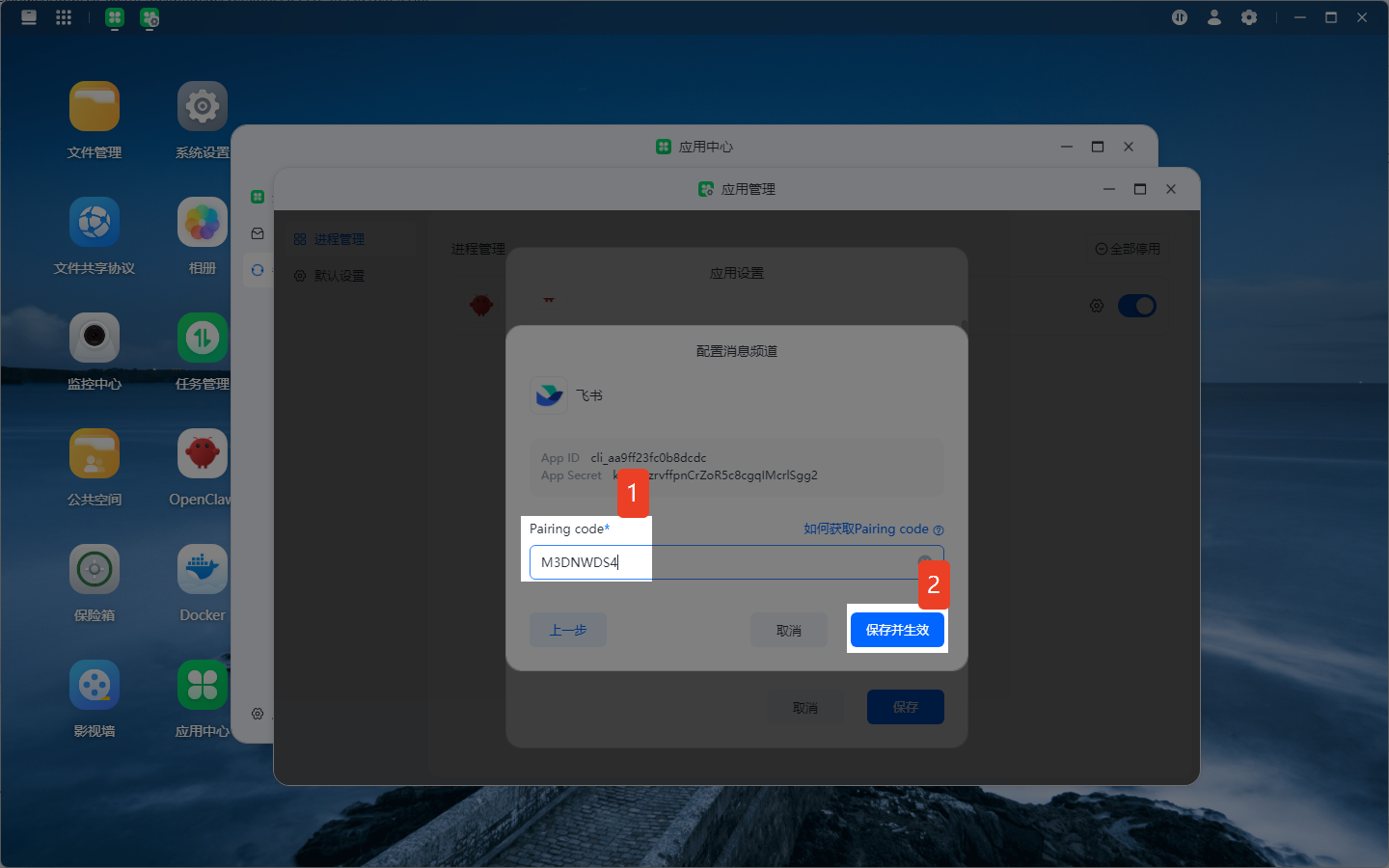
How to Obtain the Pairing Code for Message Channels
I. Preparatory Notes
1.1 What is a Pairing Code
A pairing code is a temporary credential for third-party applications to establish a secure connection with instant messaging platforms. It replaces traditional account-password login to enable encrypted communication between devices.
- Feishu Pairing Code: Used to quickly bind a Feishu robot with the OpenClaw application without complex API permission configuration.
- WhatsApp Pairing Code: A 6-digit numeric code generated based on WhatsApp's official multi-device protocol, used to connect OpenClaw with your WhatsApp account.
1.2 General Preconditions
- Possess a valid account for the corresponding platform.
- For Feishu: Have the permission to create internal enterprise applications or manage robots.
- For WhatsApp: Use the latest version of the mobile client (iOS/Android).
- The NAS device has a normal internet connection and can access the servers of the corresponding platform.
II. Method to Obtain Feishu Pairing Code
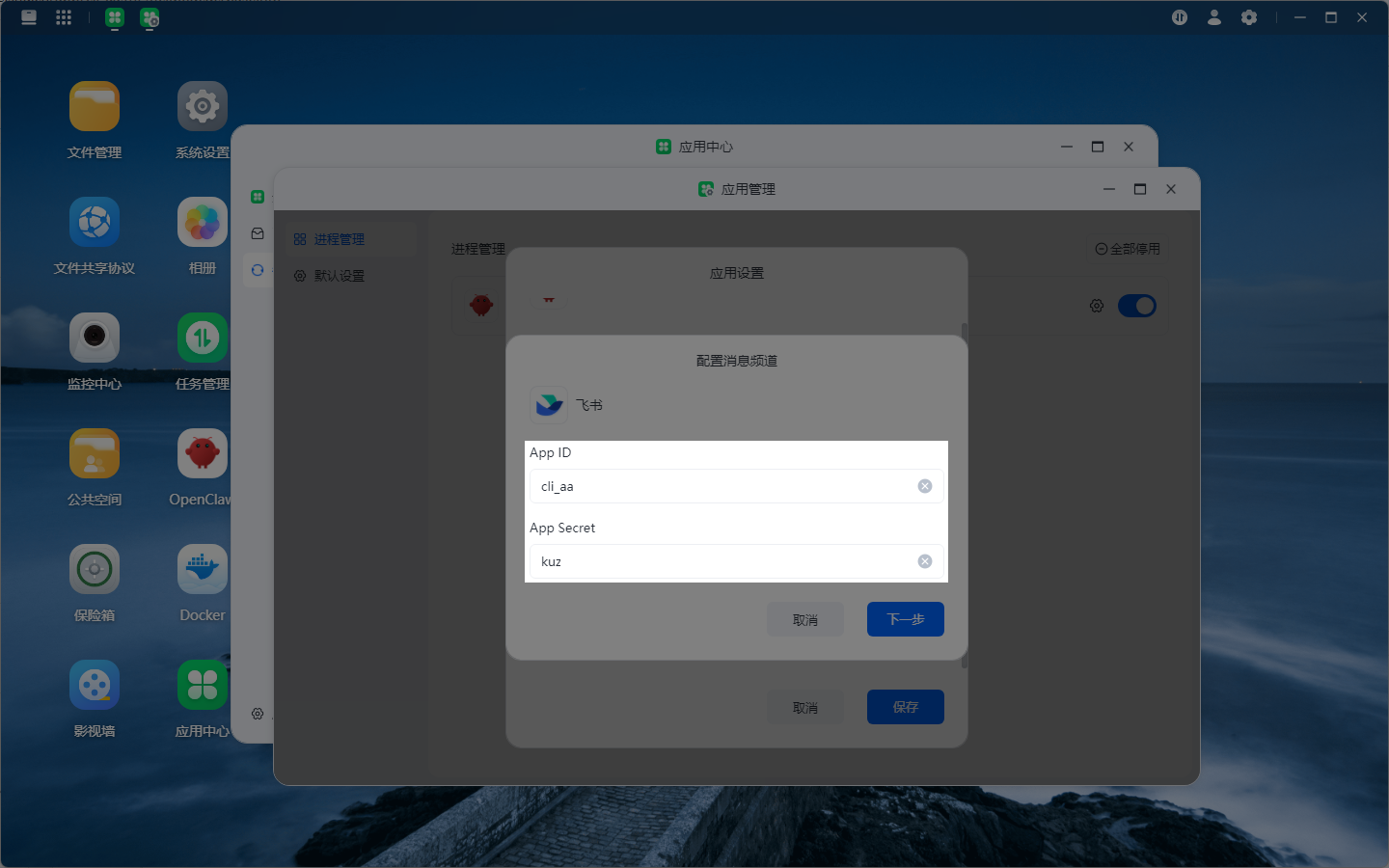
Precondition: The App ID and App Secret of the application created on the Feishu Developer Platform have been filled in.
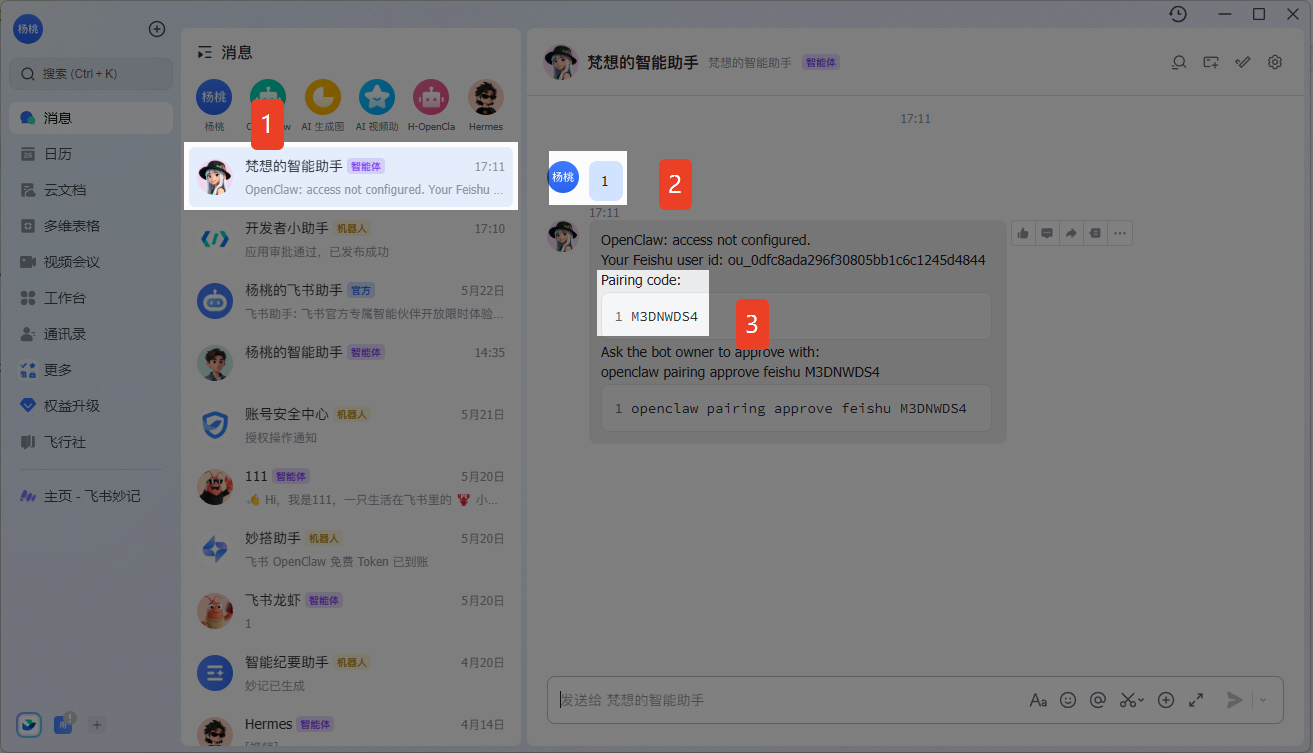
- Open the Feishu client.
- Locate the newly created robot and send any message to obtain the "Pairing Code".
- Copy the "Pairing Code".
- Return to Fanxiang Cloud, fill in the copied "Pairing Code", and click "Save and Activate".